A LEARNING MANAGEMENT SYSTEM BUILT FOR THE STE PROGRAM — FROM ENROLLMENT TO GRADE TRACKING, ALL IN ONE PLACE.
FREELANCE PROJECT 2026 · SAN QUINTIN NATIONAL HIGH SCHOOL · ENROLLMENT & GRADE MANAGEMENT SYSTEM
Developed by Joshua Dela Cruz.
ADMIN DASHBOARD
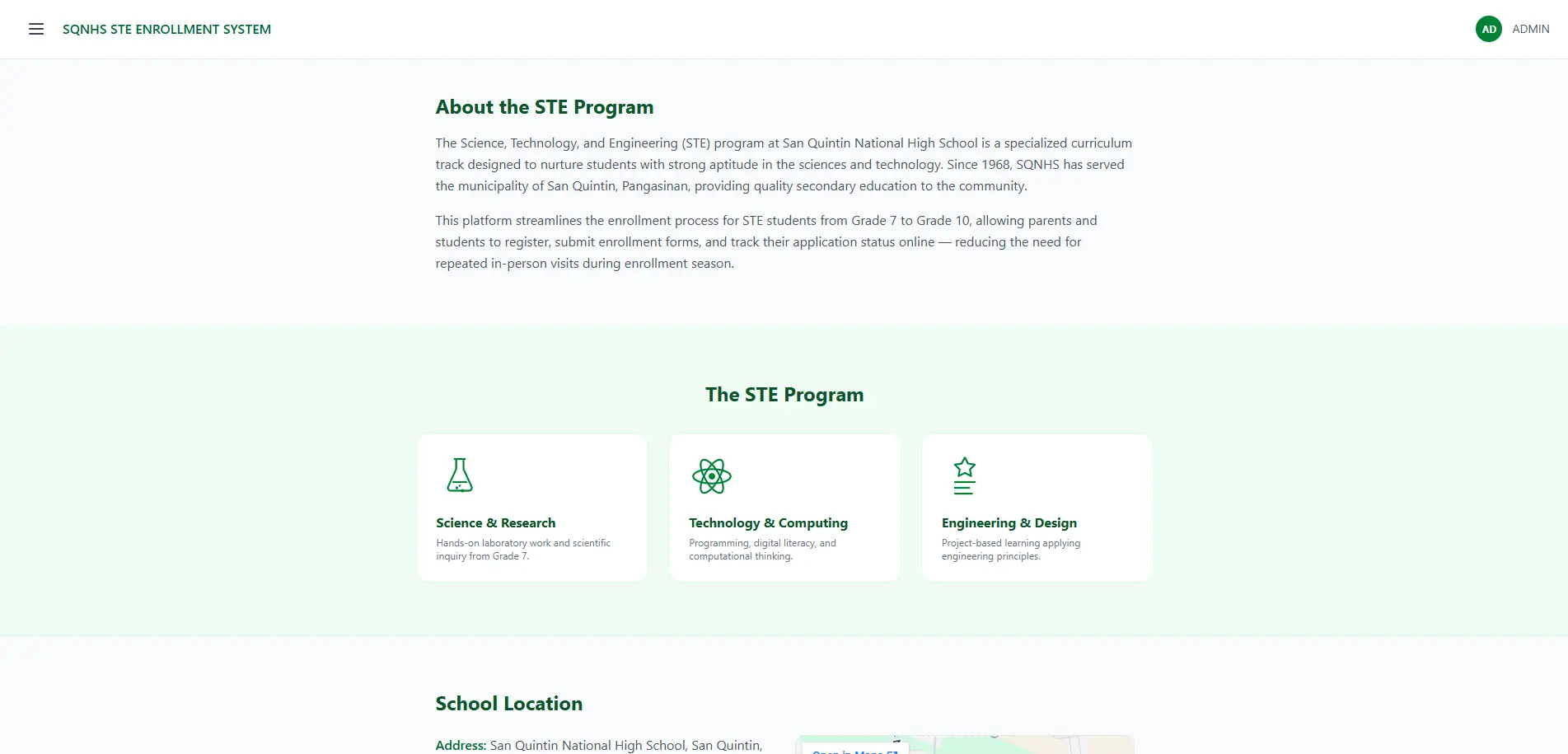
The admin dashboard opens with an overview of the STE program — what it is, where it's located, and the numbers behind it — so admins have context on the program before diving into enrollees, subjects, or grades.
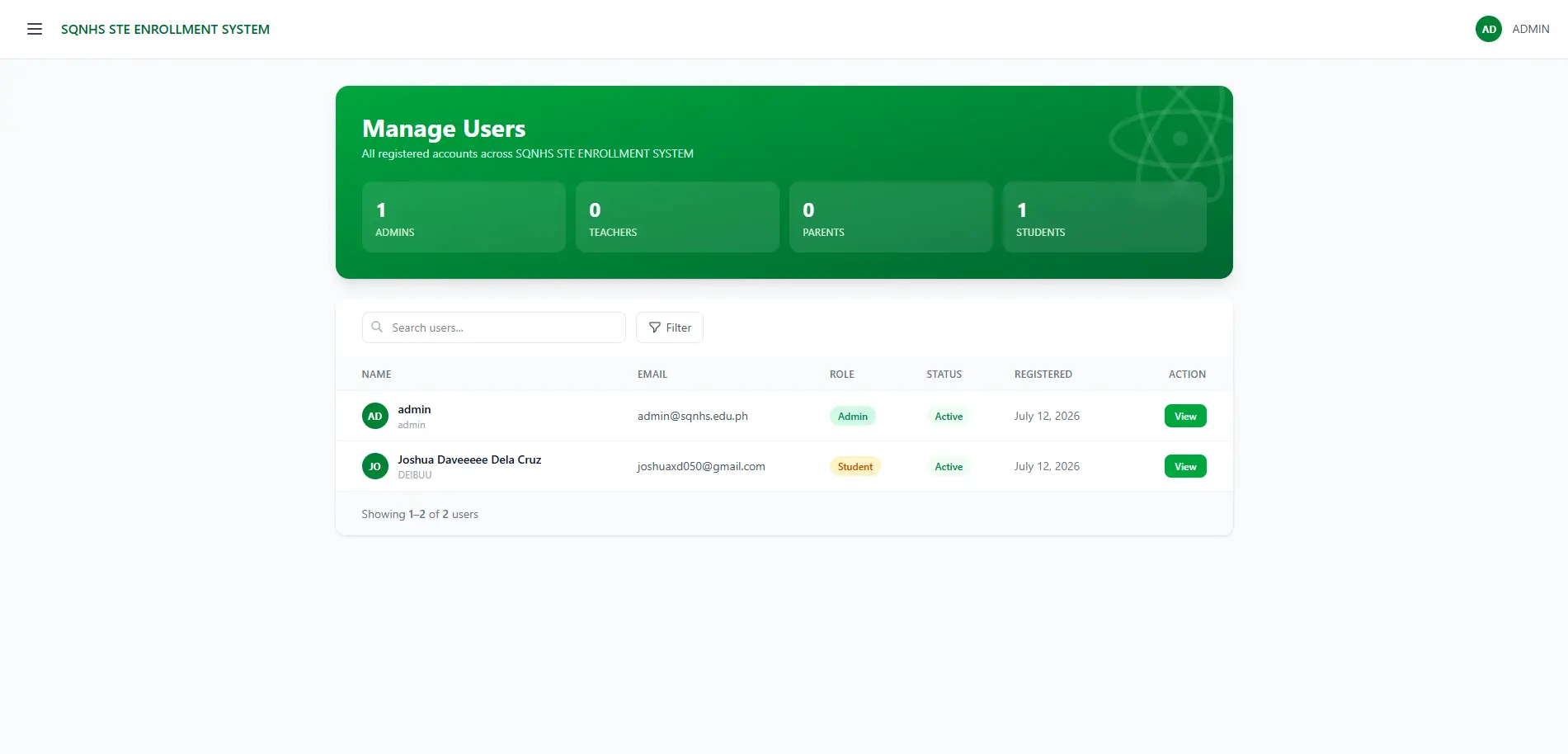
USER MANAGEMENT
Admins get a full list of registered users — every account created by a student or by a parent on their child's behalf — with the ability to review, edit, or remove accounts as needed, keeping the system clean and access properly controlled.
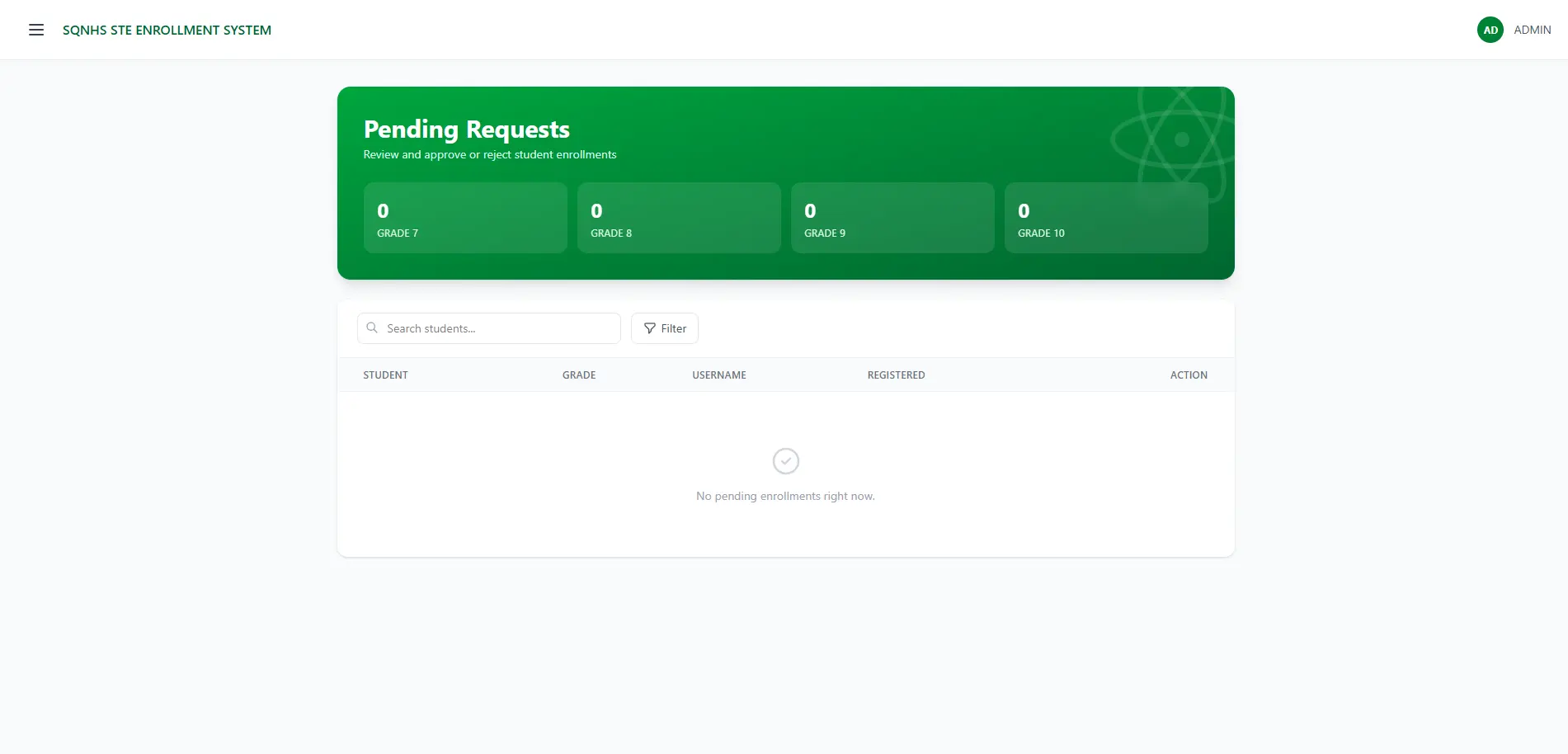
ENROLLEE APPROVAL
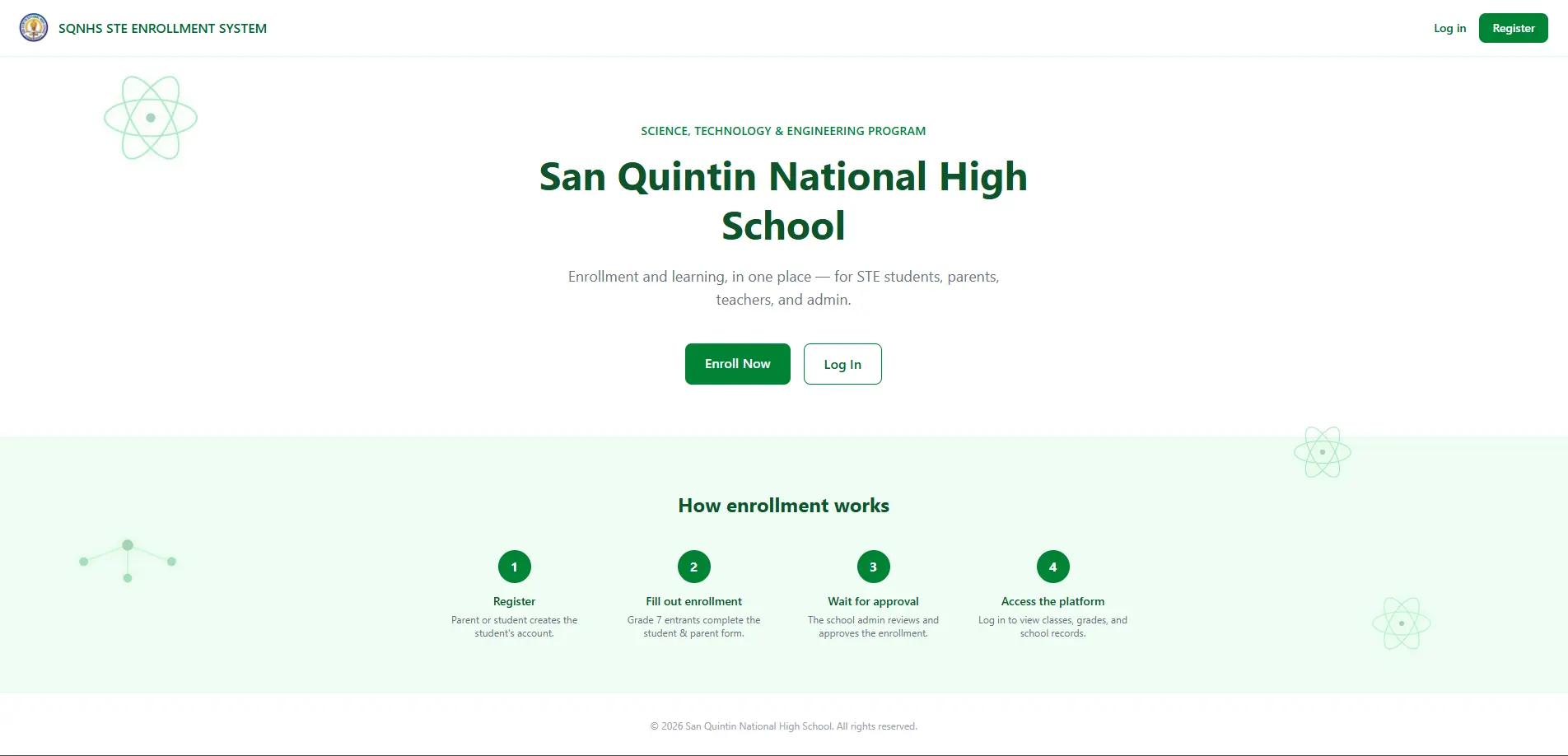
STE isn't open enrollment — applicants go through exams and interviews first. So every new registration sits as pending, and only becomes an active account once an admin reviews and approves it.
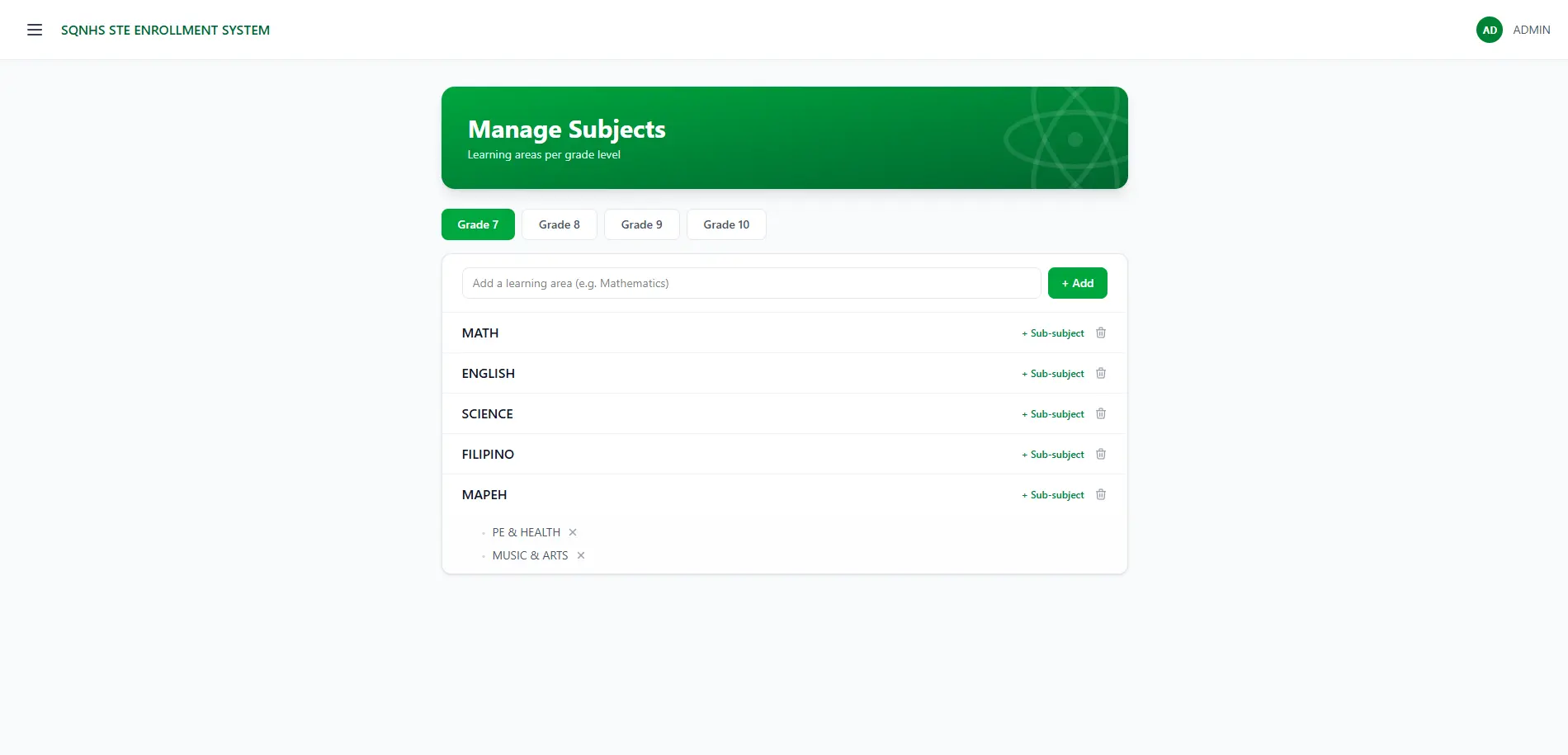
SUBJECT MANAGEMENT
Admins set up and manage subjects for each grade level, so the curriculum stays consistent across the whole STE program and grade encoding always lines up with the right year.
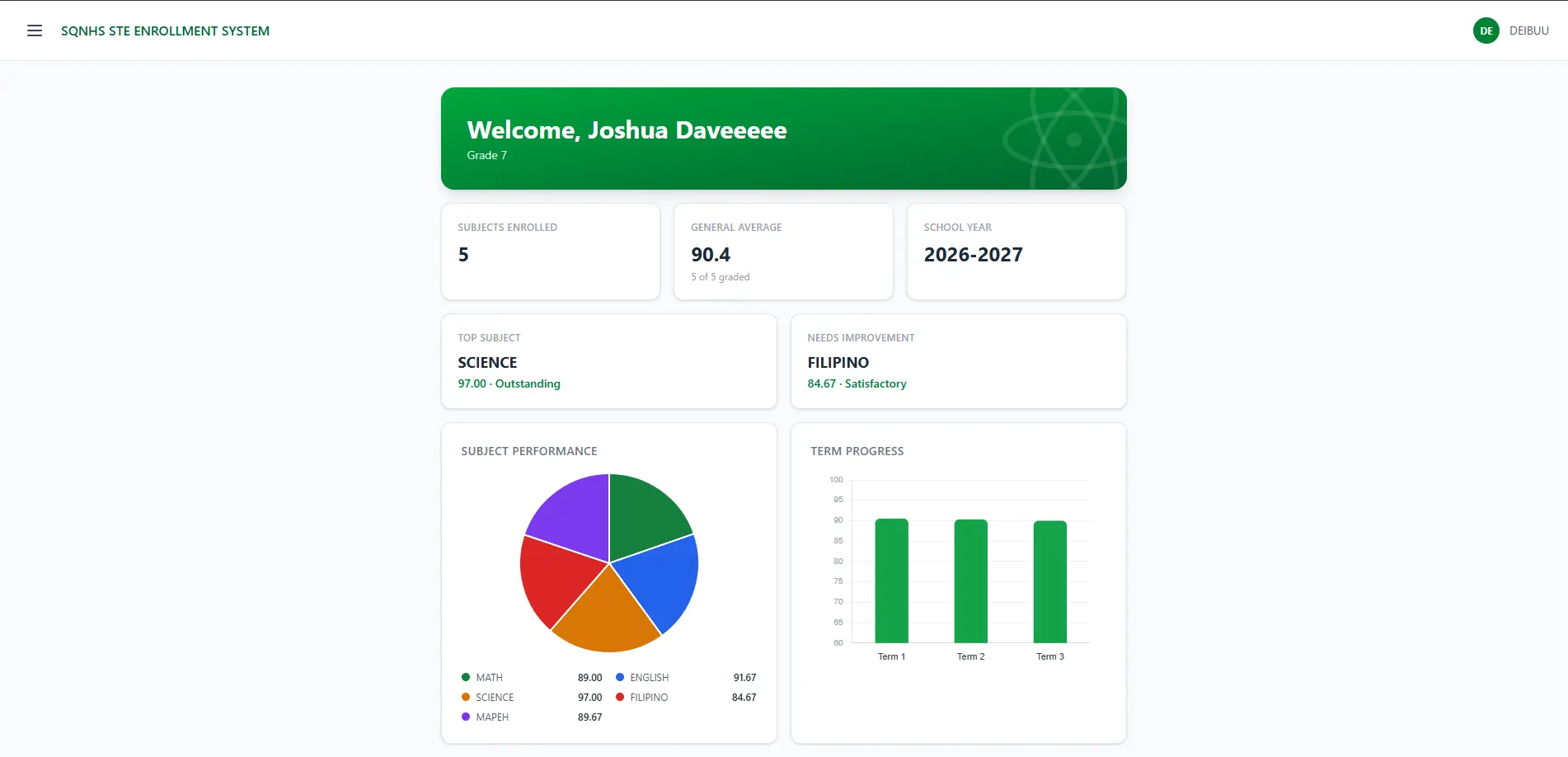
STUDENT DASHBOARD
Students see every subject they're enrolled in for the school year, their overall average, which subject they're strongest in, and which one needs work — all visualized through subject performance graphs and progress across STE's three terms.
GRADE TRACKING
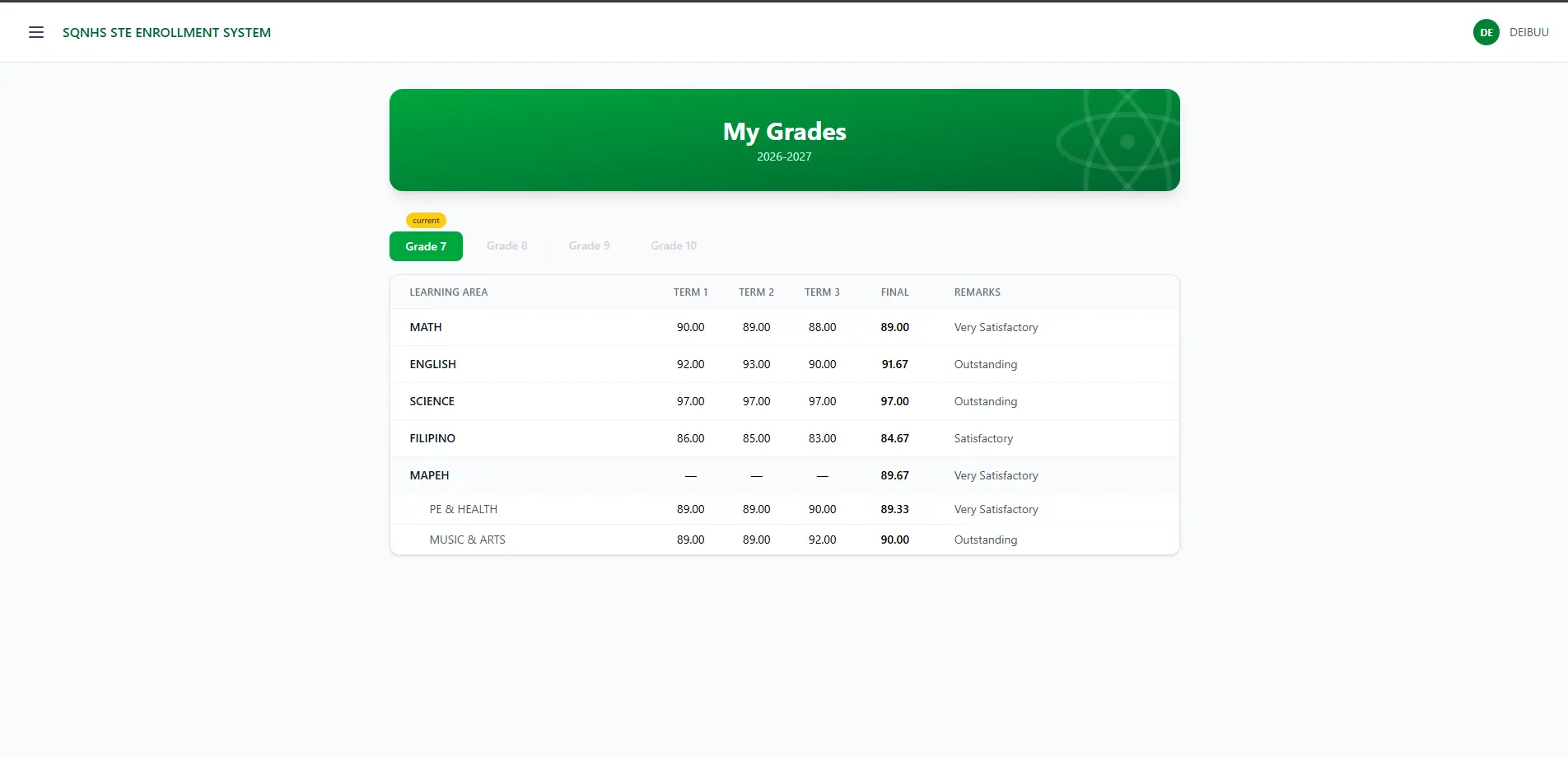
Every grade a student sees is broken down per term, with the final grade auto-computed the moment teachers finish encoding — no manual averaging, no room for error.